UNO Online
Play UNO Online for free! Match colors and numbers, use action cards, and be the first to get rid of all your cards in this classic multiplayer card game.
Publicité
Get ready to shout “UNO!” from your screen! Welcome to UNO Online, the fast, fun, and classic card game you know and love, now playable for free right in your browser. There’s no need to download anything or gather friends around a table. You can jump straight into a colorful world of matching numbers, changing colors, and playing awesome action cards. Challenge smart computer players or connect with friends for an exciting game anytime, anywhere. The goal is simple: be the first player to get rid of all your cards. Do you have the skill and luck to win?
What is UNO Online?
UNO Online is the digital version of the world-famous card game UNO. It brings all the excitement of the physical game to your computer, tablet, or phone. The game is all about matching cards. You look at the card on top of the discard pile and try to play a card from your hand that matches its color, its number, or its symbol. It sounds easy, but special cards like Skips, Reverses, and the dreaded Draw Four Wild card can change the game in a second! It’s a perfect mix of simple rules and surprising twists that makes every round a new adventure.
The reason UNO is so popular is because anyone can learn to play it in just a few minutes. It’s a game of luck, but there’s also a lot of strategy involved. Do you play your powerful Draw Two card now, or save it for when another player is about to win? Should you change the color to one you have a lot of, or one that you think will trip up your opponent? These choices make UNO a thrilling game that has been a favorite at parties and family gatherings for decades. Now, with UNO Online, you can enjoy that same fun whenever you have a spare moment, making new friends and testing your strategies against players from all over.
How to Play UNO Online
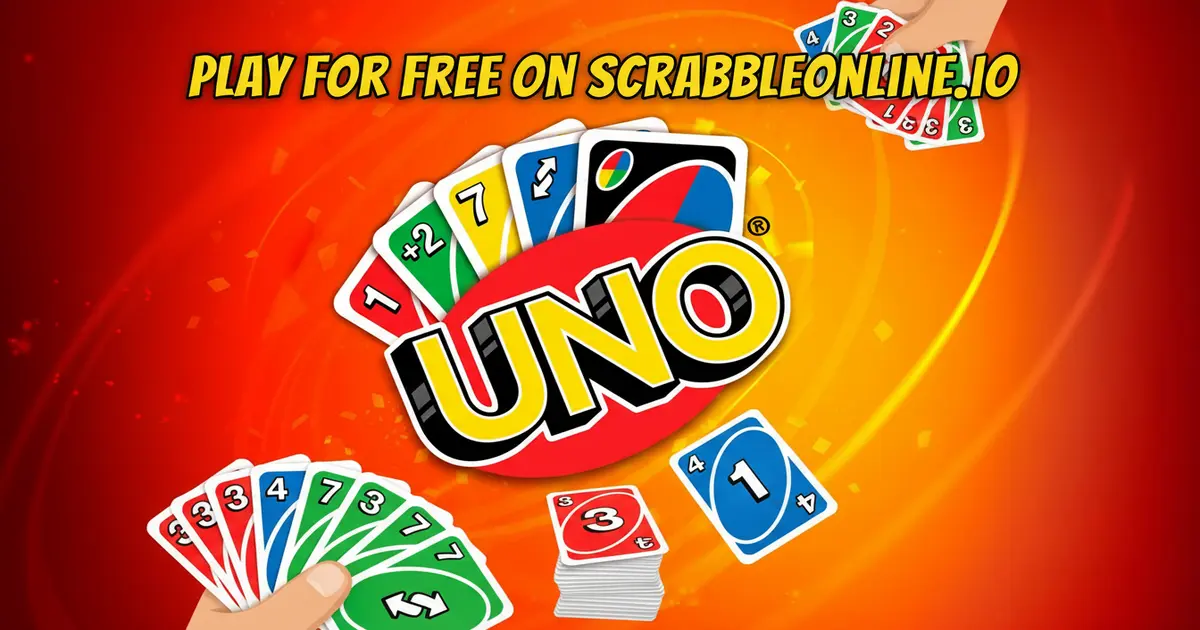
The main goal in UNO Online is to be the very first player to run out of cards. You start the game with seven cards in your hand, and the rest of the cards are placed face-down to form a “draw” pile. The top card of the draw pile is flipped over to start the “discard” pile. On your turn, you must play a card from your hand that matches the card on top of the discard pile. You can match it by its color, number, or symbol. For example, if the top card is a blue 7, you can play any blue card you have, or you can play a 7 of any color. If you don’t have a matching card, you must click the draw pile to take one new card. If that new card can be played, you can play it right away. If not, your turn ends, and the next player goes.
The game gets really exciting with the special “Action” and “Wild” cards. Action cards let you do things like make the next player miss their turn (a Skip card) or change the direction of play (a Reverse card). The Draw Two card forces the next player to pick up two cards and lose their turn. Wild cards are even more powerful! A standard Wild card lets you change the current color to whatever you choose. The ultimate card is the Wild Draw Four. When you play this card, you get to choose the next color, and the next player must draw four cards from the pile! The game continues until one player has only one card left. When this happens, you must click the “UNO” button to let everyone know. If you forget and another player notices, you have to draw two penalty cards! The first person to play their very last card wins the round.
Controls
Mastering the controls is key to winning. Here is how to navigate the game:
- Mouse: Use your mouse to interact with the game.
- Left-Click: Click on a card in your hand to select and play it onto the discard pile.
- Clicking the Draw Pile: If you cannot play a card, left-click on the face-down draw pile to take a new card.
- UNO Button: When you have only one card left, a special “UNO” button will appear. You must click this button before the next player takes their turn to avoid a penalty.
- Choosing Colors: When you play a Wild card, a color-picker will appear. Click on the color you want to change the game to.
Features
- Instant Play: No installation required. Just open the page and click “Play” to start a game in seconds. It’s that easy!
- Cross-Platform: Works smoothly on PC, Chromebooks, and mobile devices. Play at home on your computer or on the go with your phone or tablet.
- Classic and Custom Rules: Enjoy the classic UNO experience or join game modes with slightly different rules to keep things fresh and exciting.
- Bright and Fun Graphics: The game features clean, colorful graphics and smooth animations that make playing a joy. The cards are easy to read and the interface is simple for players of all ages.
Tips and Tricks to Win
Want to become an UNO champion? It’s not just about luck. Keep these strategies in mind to gain an edge over your opponents:
- Hold Onto Your Action Cards: It can be tempting to use a Skip or Reverse card as soon as you get it, but try to be patient! The best time to use these cards is when you see an opponent is about to go out. Playing a Skip or a Draw Two on a player with only one card left can completely ruin their plan and give you a chance to win.
- Manage Your Hand Colors: Pay attention to the colors of the cards in your hand. If you have many red cards, try to keep the game’s color red. When you get a Wild card, don’t just pick your favorite color. Choose the color you have the most of. This gives you the most options for your next few turns and makes it harder for you to get stuck without a playable card.
- Watch Your Opponents: Keep an eye on how many cards your opponents have. If someone is getting low on cards, they become your main target. Also, pay attention to the colors they play. If a player is constantly changing the color to green, you can guess they have a lot of green cards. You can use this information to your advantage by using a Wild card to change the color away from green.
- Get Rid of High-Point Cards: While the main goal is to empty your hand, in many versions of UNO, points are tallied at the end of a round based on the cards left in the losers’ hands. Number cards are worth their face value, Action cards are worth 20 points, and Wild cards are worth 50 points. If you think the round is ending soon and you are not going to win, try to play your highest-point cards (like Wilds and Draw cards) first to minimize the points your opponent will get from you.
- The Art of the Bluff: When you play a Wild Draw Four, you are technically only supposed to use it if you have no other cards that match the current color. While the online game doesn’t enforce this rule with challenges, you can still “bluff” your opponents. Playing a powerful card can make other players think you have a strong hand, which might make them play more defensively. Strategy is all about making your opponents guess what you’re going to do next.
UNO Online Unblocked
Looking to play UNO Online unblocked during a break at school or work? You’ve come to the right place! Our website offers a secure and reliable version of the game that works directly in your browser. This means you can bypass the network restrictions that often block gaming sites on school or office networks. Because our game runs on standard web technology, it’s accessible and doesn’t require any special permissions to play.
UNO Online Unblocked 76 & Alternatives
While players often search for terms like “unblocked 76” or “unblocked 66,” these are often associated with unofficial sites that may not be secure or updated. By playing directly here on our platform, you ensure that you are playing the latest, safest, and most optimized version of UNO Online. Our game is designed to run perfectly on modern browsers like Chrome, Edge, and Firefox, giving you a smooth and glitch-free experience without any risk.
Where to Download UNO Online ?
Always prioritize official sources to avoid viruses and ensure you get the best version of the game. Here’s a breakdown of where you can find UNO:
- Google Play: For Android users, the official UNO!™ app by Mattel163 Limited is a great choice. It offers various game modes, online tournaments, and lets you connect with friends. You can download it directly from the Google Play Store.
- App Store: For iPhone and iPad users, the official UNO!™ app is also available. However, at this time, we do not have a direct link. You can easily find it by searching for “UNO!” on the Apple App Store.
- Steam: PC gamers looking for a more feature-rich version can find Ubisoft’s UNO on Steam. This version includes 3D graphics, video chat support, and themed decks. This version is not free. We do not have a direct link, but it can be found by searching on the Steam store.
- Browser HTML5: The easiest way to play is right here on scrabbleonline.io! There is nothing to download or install. Our HTML5 version lets you play instantly on any device with a web browser, making it the perfect choice for quick, hassle-free fun.
- APK: We strongly advise against downloading APK files from third-party websites. These files can contain malware or viruses that can harm your device. Why take the risk when you can play a safe and legal version for free right here in your browser?
Frequently Asked Questions
Is UNO Online free to play?
Yes, you can play UNO Online completely for free on our website. There are no hidden fees, subscriptions, or charges to enjoy the full game.
Can I play UNO Online with my friends?
Our version of UNO Online is primarily played against computer-controlled opponents. However, many online versions and official apps allow you to create private rooms to play with friends and family.
Do I need to create an account to play?
No account is needed! You can play as a guest without any registration. This allows you to jump straight into the action without any delays.
What happens if I forget to press the “UNO” button?
If you have one card left and you forget to press the “UNO” button before the next player takes their turn, you will be penalized. The game will automatically force you to draw two extra cards as a penalty.
Can I play UNO Online on my mobile phone?
Absolutely! Our game is built with HTML5 technology, which means it is fully responsive and works perfectly on mobile phones and tablets. Just open the website in your mobile browser to start playing.
What is the most powerful card in UNO?
The Wild Draw Four is widely considered the most powerful card. It lets you change the color to whatever you want, and it forces the next player to pick up four cards and lose their turn. It’s a game-changer!
Similar Games
If you enjoyed the strategic fun of UNO Online, check out these related Board Games that you might also love:
- Rummikub: A classic tile-based game where you try to be the first to play all your tiles by creating sets and runs. It’s a fantastic brain-teaser!
- Connect 4: The timeless strategy game of getting four of your colored discs in a row. It’s easy to learn but offers deep strategic possibilities.
Conclusion
UNO Online is more than just a game; it’s a burst of fun that you can enjoy anytime. With its simple rules, colorful design, and exciting gameplay full of unexpected twists, it’s easy to see why it remains a favorite for millions of people around the world. Whether you have five minutes or an hour to spare, a game of UNO is the perfect way to relax, challenge your mind, and experience the joy of a well-played card.
So what are you waiting for? The cards are shuffled, and your opponents are ready. It’s time to match those colors, play those action cards, and race to be the first to clear your hand. Click the play button now and start your adventure. And remember the most important rule of all: don’t forget to shout “UNO!”
Gameplay Video
Publicité
Publicité